Table of Contents
TL;DR
- WordPress 7.0 ships the WP AI Client in core. It is a shared plumbing layer that lets WordPress talk to AI services like ChatGPT or Claude through one screen.
- The Client is off until you add a connection on the Connector’s screen. Nothing changes on your published pages until you turn it on.
- The honest small-site use case is narrow. ALT text drafts, title and excerpt suggestions, and image-generation help are useful. Auto-drafting whole posts is not.
- The cost shows up on the AI provider’s bill, not WordPress. The Client is free. The API calls to OpenAI or Anthropic are paid.
- A small site can wait six months and lose nothing. The plugins that build on top of the Client will be better by then.
The WP AI Client is a provider-agnostic AI integration layer in core, paired with an AI Services Registry for hosted AI models. That sentence is the central claim of the WordPress 7.0 release, as documented in the official Armstrong release post.
Three years ago, every WordPress site that wanted any AI help installed a separate plugin per AI service. One plugin for ChatGPT. Another for image generation.
A third for a translation service. Each one stored its own API key, billed through its own dashboard, and broke in its own way.
From WordPress 7.0, the connection runs through one shared layer in core. You add an AI service once on a new Connector’s screen and the rest of WordPress can use it. That is the change. The rest of this article is whether it is worth your Saturday.
What is the WP AI Client, in plain English?
The AI Client is a small piece of plumbing that ships inside WordPress 7.0. It knows how to talk to AI services like ChatGPT, Claude, and Gemini. It does not include the AI itself. It is the wiring between WordPress and any AI service you choose to connect.
You manage the connections on a new screen called the Connector’s screen. It lives in the dashboard sidebar. Three example services come pre-configured. You can add your own.
For each connection, you provide an API key from the AI service’s own account page. WordPress stores the key. From then on, any plugin on your site can use that connection through a standard interface.
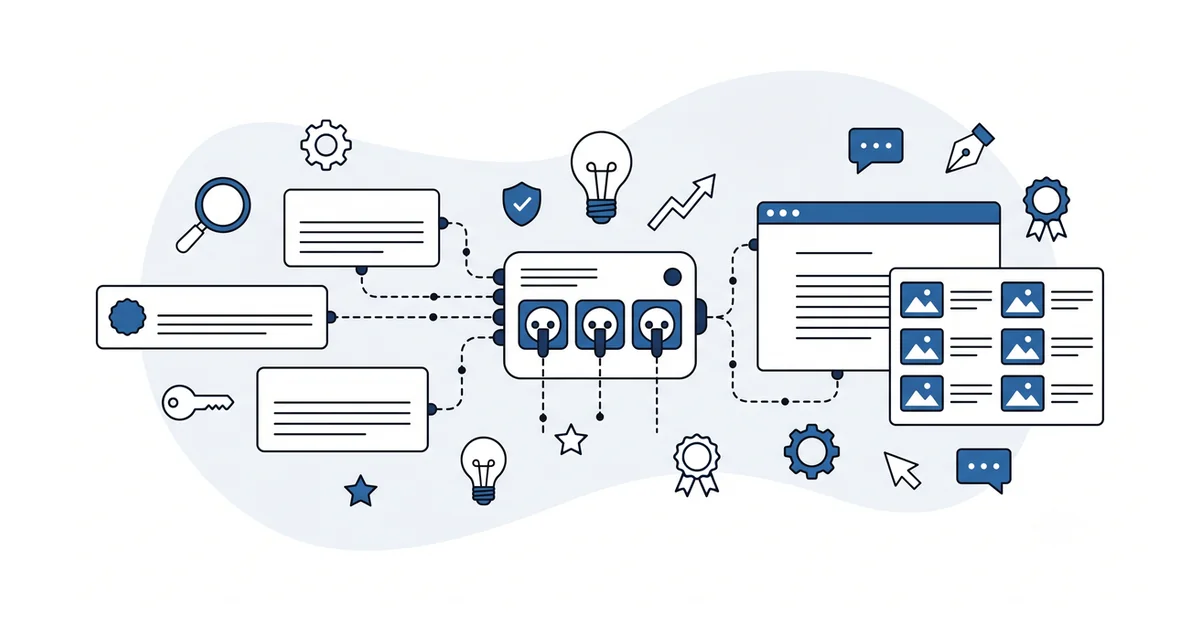
The plain-English summary: the AI Client is the standardized power outlet. You bring the appliance (the AI service you signed up for) and you plug it in. WordPress does not care which one.
There is also a free official AI plugin that sits on top of the Client. It adds image generation, title suggestions, excerpt suggestions, and ALT-text drafts inside wp-admin.
The plugin is separate from the Client itself. The Client is plumbing. The plugin is the first appliance.
What does the AI Client actually let you do today?
The free official AI plugin is the headline use case. It draws on whichever AI service you connected on the Connector’s screen.
The four shipped features are useful and narrow. You can ask for an ALT-text draft on an uploaded image. You can ask for a title or an excerpt suggestion on a post. You can generate a feature image from a prompt.
None of these are full-post drafting. None of them publish anything for you. The plugin proposes, and you accept, edit, or discard. The published content stays the writer’s choice.
For a small business site, the ALT-text drafting is the one feature that pays back immediately. Most beginners skip ALT text because writing it for every image is tedious. The AI plugin drafts a passable version quickly. You edit it for accuracy and ship.
Image generation is useful for blog headers when stock photography is the only alternative. The output is not always brand-aligned. The cost shows up on the connected AI service’s bill, not on WordPress, and stays small for this kind of light use.
Who actually pays for the AI calls, and how much?
The AI Client is free with WordPress. The API calls to whichever AI service you connect are not.
OpenAI, Anthropic, and Google each bill per API call. The current rate is on the provider’s own pricing page and changes over time, so check it there rather than trusting a number in an article.
Image generation costs more per use than a text suggestion. The exact rate, and whether the provider offers a free tier, are both on that same pricing page.
The Connector’s screen does not show you the bill. The bill lives on the connected AI service’s dashboard. You set it up once, you check it once a month, and you cap the spend in the AI service’s settings to be safe.
The Client itself adds nothing to that cost. Only the provider’s API calls are billed, so the total depends on how heavily you use the AI plugin.
When does the AI Client earn its keep for a small site?
Three honest use cases, all narrow.
The first is ALT-text drafting at scale. A site with a hundred uploaded images and missing ALT text on most of them is the case the AI plugin solves cleanly. You walk the Media Library, accept-or-edit each draft, and your accessibility plus your AI-search citation odds both improve.
The second is title and excerpt rewriting on old posts. The AI plugin proposes, and you keep the ones that sharpen the original and skip the rest. Useful for a small content refresh round, where rewriting a hundred excerpts from scratch is the boring part.
The third is feature-image help for the next few posts. Not every post needs a custom feature image. The ones that do can use a quick image-generation prompt instead of a free-stock-photo search.
Those three cases cover most of what a small business owner should ask the AI Client for in the first year. Auto-drafting whole posts on top of the Client is technically possible.
It is also the use case where the generic AI-default copy problem is loudest. The AI Client makes the plumbing easier. It does not change what good site copy looks like.
When can you safely leave the AI Client off?
If you do not have a strong reason to connect an AI service in the next month, leave the Client off.
The Connector’s screen sits idle in the dashboard. No external calls fire. No content moves through it.
The AI plugin remains uninstalled. Your wp-admin works the same as before the upgrade.
A site that already runs a steady editorial rhythm, where the owner writes the posts and a freelance designer makes the images, does not need the AI plugin to publish. The plugin is a small productivity tool, not a publishing layer.
A site that has not yet found its voice should not let an AI service draft for it. The right time to add AI to the workflow is after you know what good looks like on your own site. Not before.
The honest answer for most small business sites in mid-2026: try the official AI plugin for ALT-text drafts on a quiet Saturday, decide whether the time saved is worth the small monthly cost, and either keep it or remove it. The Client itself can stay either way.
How does the AI Client change how you evaluate any AI plugin?
The plumbing changes the marketplace. Before 7.0, an AI plugin bundled its own AI service connection. The plugin author chose which AI service to call. You had to trust both the plugin and the service.
After 7.0, an AI plugin can use whichever connection you set up on the Connector’s screen. The plugin author still ships the feature. You still choose the AI service.
This is the same trust-by-layer pattern that already applies to any WordPress plugin. A plugin author you trust, paired with an AI service you trust, is a useful combination. Either half compromises the whole.
The standard checks for any plugin still apply. Read the changelog. Check the update cadence.
Look at the support forum. The evaluating a WordPress plugin reference covers the four-source pre-install check for any plugin, including the AI ones.
A plugin that asks for one of your connection credentials is asking for the keys to the AI service. Treat that the same way you treat any plugin that asks for a payment-gateway key. A plugin that uses the AI Client through the standard interface, without asking for credentials, is the cleaner architecture.
Other questions worth answering
Does WordPress 7’s Connector pass my draft text to OpenAI or Anthropic servers?
Short answer: yes. When the Connector routes a prompt to OpenAI or Anthropic, the text travels to the provider’s servers for processing. Per the WordPress 7.0 Armstrong release post from 2026, the Connector is provider-agnostic. But the content of each prompt exits WordPress at request time.
How does GDPR apply when WordPress 7 routes user content through a generative service?
Two pieces matter in 2026. The Connector creates a personal-data flow from WordPress to the connected provider, so your privacy policy must name the provider. EU users may submit prompts containing personal data, so confirm the chosen provider’s data-processing terms cover GDPR transfers.
What happens to existing posts when an owner disconnects the Connector later?
Nothing moves in your archive when you disconnect. The Connector is a WordPress 7 runtime bridge that fires only at request time. Disconnecting in 2026 stops future requests but does not touch content already saved in your database. Image-generation outputs you accepted into the Media Library remain there as standard image files.
What should you actually do with the AI Client in the next month?
The honest answer is: probably nothing.
If you have not yet upgraded to WordPress 7.0, the safe-upgrade walkthrough is the first job. The AI Client comes with the upgrade. You do not need to set it up the same Saturday.
If you have upgraded, decide whether you have a real use case for the official AI plugin. ALT-text drafting on a Media Library with many missing entries is the obvious one. If you do not have that pile of missing ALT text, the AI plugin is a small productivity gain, not a transformative feature.
If you choose to try it, sign up for an OpenAI or Anthropic account, generate an API key, open the Connector’s screen, add the connection, and cap the monthly spend at the AI service’s own dashboard. The whole setup is twenty minutes.
If you choose not to try it, the AI Client sits idle and costs you nothing. You can decide again in six months when the third-party AI plugins on top of the Client have matured.
The AI Client in WordPress 7.0 is plumbing, not a product. It does nothing until you connect it. That neutrality is the feature.
Want a calm second opinion before you sign up for a new AI account and add a connection on the Connector’s screen, or help reading the changelog of an AI plugin that promises a lot? You can contact me here. Send me the plugin name and the AI service it asks you to connect.
I will tell you whether the use case is worth the new bill or whether a manual workflow gets you most of the way there. There is no pitch, no upsell, and the conversation is free.