Table of Contents
TL;DR
- Most production custom-post-types ship with Text fields everywhere. The migration cost from Text-everywhere to typed-fields-everywhere always exceeds the time it would have taken to plan the field map in the first sprint. Designing the field map BEFORE clicking Add Field Group is the architectural decision that compounds across every query, filter, export, and report for the life of the site.
- An AI ACF field map reads three artifacts — the post type’s purpose in plain English (two sentences), three sample entries with realistic data, and the related post types already registered on the site. The chat returns a field map — field name, ACF type, group, editor label, slug, one-line rationale per row.
- Three rules of thumb. Repeater for small admin-edited lists under approximately fifty rows. Custom post type plus Relationship field when the list grows above fifty rows or items need queryable URLs. Flexible Content for varied page-layout sections — blocks instead when the content is reusable across pages.
- Three traps. Trusting the chat’s nesting recommendation without checking real volume (ACF’s own docs do not warn about nested-repeater performance. CriticalWP’s 2026 production guidance does). Designing for the abstract use case rather than how the team actually edits content. Treating the field map as final after the chat returns it — ACF JSON, version control, and drift discipline are the maintenance layer.
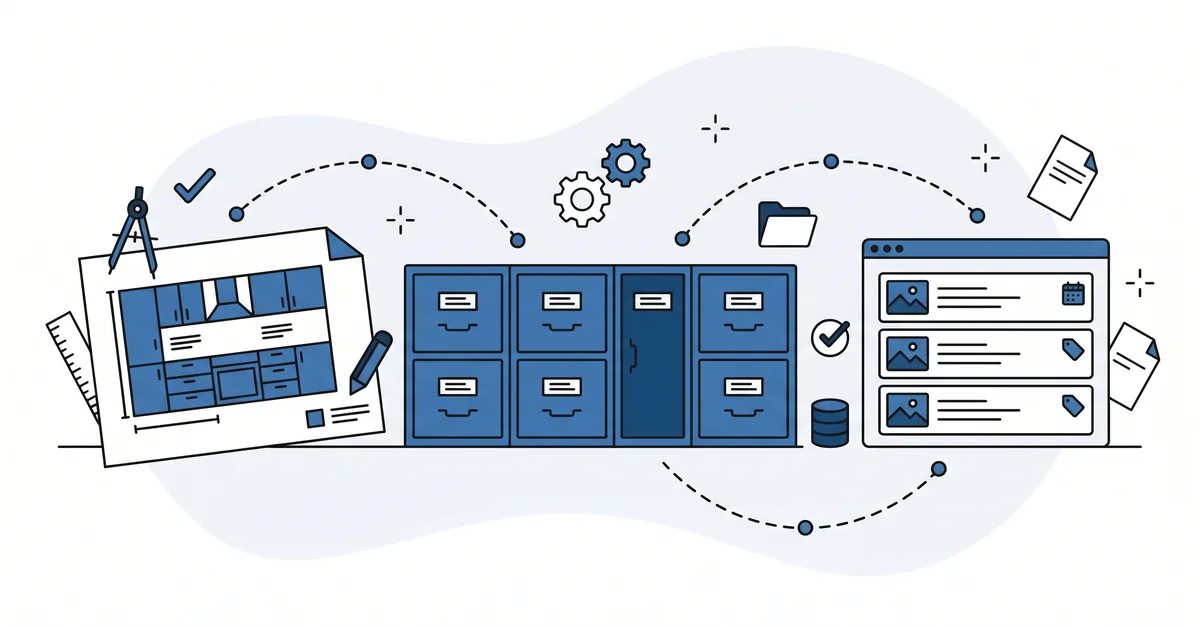
- A field map is the kitchen layout drawn before the cabinets are mounted to the wall. Rearranging cabinets after they are screwed in costs ten times what it cost to draw the layout once on paper.
You open last year’s custom post type in wp-admin. Five fields. All of them are Text fields.
The date the event happens. The price the supplier charges. The comma-separated tag list the editor types every time.
The list view at /wp-admin/edit.php?post_type=event sorts alphabetically because the date field is a string. The export to CSV joins the comma-separated tags into one quoted column nothing else can parse. The image URL is a string the front-end template wraps in an img tag with no responsive sizing.
You know what each field should have been. You did not know it last March, and the migration to fix it now is a Tuesday afternoon you do not have.
This piece is about how an AI chat reads three things. The post type’s purpose. Three sample entries. The related post types already on the site.
The chat returns a field map that prevents the next custom post type from looking like this one.
Why does CPT and ACF design fail without a planning pass?
The fail mode is text-field-everywhere.
The first version of a custom post type ships with five Text fields. The developer was racing to give the client something that worked on Tuesday. Six months later the date-of-event field is still a Text field.
Sorting events chronologically requires a string-parse on every list query. The image is still a URL string. The migration to proper Image fields breaks the editor’s media-library workflow.
The pattern is universal across legacy WordPress projects. The migration cost from Text-everywhere to typed-fields-everywhere always exceeds the time it would have taken to plan the field types in the first sprint.
The WordPress reference for register_post_type already names the design-time decisions that matter. The supports array controls which core features the post type uses. The hierarchical argument enables parent-child relationships and warns about admin-page performance with large datasets. The taxonomies array attaches the categorization the editor will use.
None of those decisions are reversible cheaply once the post type ships and editors start saving records.
The ACF structure sits on top of all of that. The same constraint applies. Every Text-field-that-should-have-been-an-Image-field, every Text-list-that-should-have-been-a-Repeater, every Repeater-of-50-rows-that-should-have-been-a-CPT compounds for years.
What does an AI-drafted ACF field map actually look like?
A spreadsheet or JSON outline.
Each row names a field. Its ACF type (text, number, date_picker, image, post_object, taxonomy, repeater, flexible_content, group). The field group it belongs to.
The editor label. The developer-facing slug. A one-line rationale.
The chat reads three artifacts. The post type’s purpose described in plain English, two sentences. Three sample entries with realistic data, not the trivial test record. The related post types already on the site so the chat can suggest post_object or taxonomy relationships instead of duplicate text fields.
The output is a draft field map the developer reviews before clicking Add Field Group in wp-admin. The chat does the type-and-relationship matching. The developer does the production calibration.
The same field-by-field thinking shows up when a store loads products from a supplier. Each column in the supplier file has to land in the right product field, or the catalog arrives scrambled. The work of mapping a supplier catalog is the same matching task, one row at a time. The draft is fast, but the review is yours.
The point is to make the type-and-relationship decisions visible before they ossify into the database. The same decisions surface again when WordPress REST API permissions expose those fields to the front-end or to a headless client.
How do you turn the post type purpose into a field group?
Five steps. None of them needs more than an hour.
Step 1 — describe the post type’s purpose in two sentences. Plain English. The reader should know what the records represent and how the front-end uses them. Skip the WordPress vocabulary. Describe the editorial reality.
Step 2 — provide three sample entries that represent actual editorial variety. Pick three real records from the client’s content inventory. The minimum viable record. The maximum-complexity record. The record at the boundary where you would normally start to wonder if it should be a different post type entirely.
Step 3 — feed the chat with one specific prompt. Paste the purpose. Paste the three sample entries. Paste the post types already registered on the site.
Ask for the field map in the format described above. State the constraints that matter — target editor team size, expected record count, and whether the records appear on a single-item URL or only inside list views.
Step 4 — apply the developer’s lens to the output. Read the draft. Mark fields that should have a different ACF type for production volume. Mark relationships that should be post_object instead of text. Mark groups that should split because they cross editorial workflow boundaries.
Step 5 — export the field group as ACF JSON. The theme’s acf-json directory makes the field group versioned. Future changes leave a diff in the repo, not a mystery in the database.
About sixty minutes from purpose to draft field map. The version-controlled export is the second-order benefit. The field-type calibration is the first-order one.
When does each ACF field type fit?
Three rules of thumb cover ninety percent of the design decisions.
Repeater for small admin-edited lists under fifty rows. Team-member profiles inside one About page. FAQ pairs inside one help page. Sub-navigation links inside one section landing page.
The data lives inside the parent record, the editor reorders rows by drag-and-drop, and the volume stays under the threshold where queries start to lag. CriticalWP’s 2026 production guidance puts the threshold at fifty rows.
Custom post type plus Relationship field when the list grows or needs URLs. Above fifty rows the Repeater starts to drag. When the items need their own /case-study/
Flexible Content for varied page sections. Blocks for reusable content. Flexible Content layouts give the editor a per-page assembly kit. Common layouts include hero, two-column text, image gallery, and call-to-action.
Blocks win when the same content shape repeats across many pages. The two are not interchangeable.
Group fields organize related fields visually without changing the data model. Use them inside larger groups to keep the editor screen scannable. Once the data model lands, AI membership access tiers name which roles can read each post type.
What can go wrong with this approach?
Three traps catch developers who skipped the planning pass last time.
Trap 1 — trusting the chat’s nesting recommendation without checking real volume. ACF’s own docs on nested repeaters say working with them is easy. The page does not warn about depth limits, query performance, or database load.
CriticalWP’s 2026 production guidance flatly contradicts that posture. Deeply nested repeater fields increase query complexity. The chat will follow whichever pattern its training corpus over-weighted. Verify the depth call against your specific record volume.
Trap 2 — designing for the abstract case, not the team’s workflow. A repeater for "team members" looks elegant in theory. If the agency manages eighty client team-member records, the repeater becomes a friction point the chat could not predict. Map the structural choice to how the data gets queried, not to how it looks in the editor on Tuesday.
Trap 3 — treating the field map as final after the chat returns it. ACF JSON saves the field group as a versioned artifact. Local-to-production drift, data validation on save, and the upgrade path when ACF changes its field implementations are maintenance disciplines after the field group lands. The chat draft does not solve them.
Why is a custom post type a contract rather than a screen?
A custom post type is not a screen. A custom post type is a contract.
The contract names four things. What each record holds. What relationships exist between records. What queries the front-end runs.
What export the next migration needs. Every field type, every relationship, every group boundary either honors that contract or rewrites it later at higher cost.
A defensible WordPress site treats CPT and ACF design as the architectural decision it actually is. The field map ships before the field group. The version-controlled export ships before the first record saves. The migration plan from Text-everywhere to typed-fields-everywhere never has to run because the typed fields landed first.
Other questions worth answering
Where should the JSON schema export live in the theme repository?
The acf-json folder at the theme root holds every JSON schema export. WordPress reads field-group definitions from that path on every admin load. The folder turns the schema into a versioned artifact tracked alongside template files. Any change leaves a diff in the Git history, not a mystery in the database.
How does Redis object caching affect editor load times under heavy traffic?
Per CriticalWP’s 2026 best practices guide, the JSON export plus Redis object cache cuts admin load times by 40 to 60 percent. Public page latency drops 20 to 35 percent under 10,000 daily users. The cache holds repeated database hits the editor would otherwise issue on every screen render. Skip the cache and the editor stalls.
What changes when a Repeater grows past fifty rows?
Three things go wrong at scale. Queries slow because every row loads on every parent-record view. The editor screen drags as the admin renders all rows at once. Exports become unwieldy because the data lives inside one row of post meta.
CriticalWP names 50 rows as the migrate-to-custom-table threshold.
Should hierarchical parent-child relationships be enabled for large record sets?
No, not for large datasets. The WordPress register_post_type reference warns that hierarchical types load all child record IDs on admin page loads. The cost grows linearly with record count.
For anything past a few hundred records, a Relationship data point performs the parent-child connection at query time instead. The hierarchy stays implicit in queries, not in core.
Why does ChatGPT recommend deeply nested Repeaters that production sites avoid?
Because the training corpus over-weights the Advanced Custom Fields documentation on nested Repeaters. That page calls nested Repeaters easy and recommends simple field names. It does not warn about depth limits, query performance, or database load under volume. CriticalWP’s 2026 best practices guide flatly contradicts that posture and tells developers to limit nesting depth.
Which field would you redesign first?
For most legacy custom post types, the answer is the date field that ships as Text. The cost of fixing it is a few hours. The cost of leaving it shows up everywhere.
Every list query. Every filter. Every export. Every report run against that post type for the rest of the site’s life.
The next post in this series covers the WordPress membership tier mapping that often pairs with custom post types. The membership policy says which post types each tier can read. The field map says what those post types contain. Both compound when the editorial volume scales.
If you want a calm second opinion on your custom-post-type field map before you click Add Field Group in wp-admin, you can contact me here. Send me the post type’s purpose in two sentences, three sample entries with realistic data, and the chat’s draft field map. I will read all three and tell you which field type to revisit before the records start saving. There is no pitch, no upsell, and the conversation is free.