Table of Contents
TL;DR
- Local search has changed shape. Roughly fifty-nine percent of ChatGPT searches with a web lookup have local intent per a Nectiv study. The website is no longer the storefront. The website is the trust anchor that verifies the Google Business Profile listing.
- Four structured data types do the bulk of the work for local search. LocalBusiness with the most specific sub-type that fits the business. Organization as the umbrella. Person for the owner. FAQPage on the two or three pages that answer the questions a real customer types.
- Name-Address-Phone consistency is the smallest discipline with the largest payoff. One page in a notes file. Copy it into the footer, the structured-data block, the Business Profile listing, and every directory profile when claiming.
- Five pages carry every local site — a home page that names the city in the first hundred words, a services page in customer language, an about page with a real photo and date, a phone-and-address page that mirrors the NAP block, and a locations page if the business serves more than one city.
- Three hosting and security picks save a weekend later. A host with a server in the same country. Daily off-site backups with self-serve restore. Two-factor authentication on both the admin account and the Business Profile login.
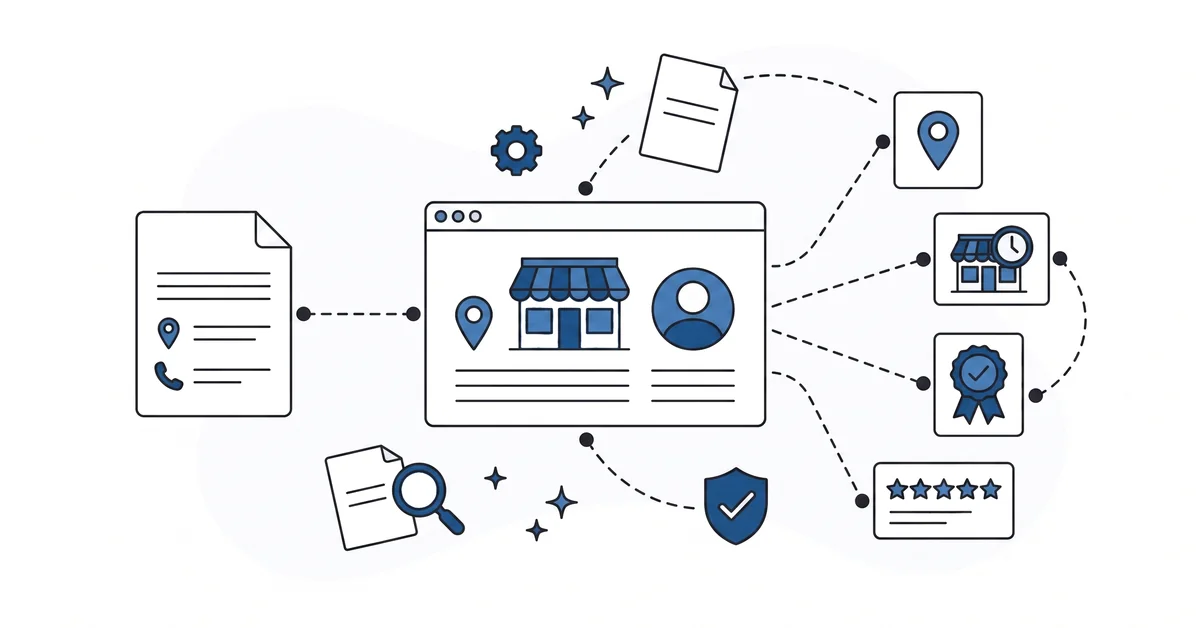
Roughly fifty-nine percent of ChatGPT searches with a web lookup carry local intent, according to a 2025 study by Nectiv. The number is large enough to change the question. A local-business website is no longer trying to be the storefront for a customer who would otherwise walk in. The website is trying to be the trust anchor that verifies what Google Business Profile, Apple Maps, and the answer engines already think they know.
The shift quietly rewrites the essentials list. The hero image matters less. The footer NAP block matters more.
A clean about page with a real photo and a real founding date matters more than a stock-photo hero. The structured data in the head of the page matters more than the carousel in the body of the page.
This piece is the local-business WordPress website essentials list for the AI search era. Ten years ago the list was the brochure: hero image, services, contact form. The 2026 list is the verification kit. Structured data.
NAP discipline. The right five pages. The security choices that keep the site reachable on a Saturday.
How is local search different now from three years ago?
Three changes reframe the question.
AI engines handle a growing share of "near me" queries, often resolving them inside the answer rather than sending the user to a website. The customer asks the chat for a plumber in Phoenix, the chat names three businesses, the customer calls one. The website never gets the visit.
Google Business Profile carries more identity weight than the home page hero image. The Business Profile is the master record. The site is a sibling source the engines cross-check against. A site that contradicts its own Business Profile loses to a site that confirms it.
The website itself becomes a verification surface, not a primary discovery surface. The site backs up the claims the Business Profile makes. The hours match. The address matches.
The owner photo matches. The list of services matches. When all of those agree, the engines trust both records.
The reframe is uncomfortable for owners who have spent ten years thinking of the website as the storefront. The new framing is closer to the framed certificate behind the counter. The certificate is not where the customer walks in. The certificate is the part the customer notices when deciding whether to come back.
Which structured data actually helps a local business get cited?
Four types do most of the work.
LocalBusiness with the most specific sub-type that fits the business. Dentist, Plumber, Restaurant, AutoRepair, AccountingService. The official type vocabulary lists more than a hundred sub-types.
Pick the one that matches what the customer types. The generic LocalBusiness type works, but the specific sub-type works better because it lines up with more specific queries.
Organization as the umbrella for multi-location operations or for the legal entity behind a trade name. The single-location plumber typically does not need a separate Organization block. The four-location plumbing chain does — the Organization holds the brand, the LocalBusiness blocks hold each location.
Person for the owner or the named operator. The Person block is what makes the About-page photo into a verifiable signal rather than decoration. A sameAs link points the Person block to a public profile the engines already trust. LinkedIn.
The local chamber-of-commerce member directory. The trade-association profile. The link connects the authorship claim to an outside record.
FAQPage on the two or three pages that answer the questions a real customer types. Not the marketing-team’s questions — the questions a customer asks on the phone. Structured data is a label for content that already exists visibly on the page.
Hidden FAQ structured data with no matching visible Q&A on the page fails on both fronts. It earns no Google rich result. It does not work as an AI-extraction template.
The four together create the entity graph the engines traverse. Organization links to Person (founder). Person links to LocalBusiness (operator).
LocalBusiness links to Google Business Profile via sameAs. The graph is what a chat engine walks when deciding whether the business is real.
What does Name-Address-Phone consistency mean in practice?
The same name, the same street address format, the same phone number string — everywhere the business shows up.
The website footer. Every contact page. The LocalBusiness structured-data block. The Google Business Profile listing.
The Yelp profile. The Apple Maps profile. The chamber-of-commerce member directory.
The Better Business Bureau profile. The trade-association directory. The HOA-approved-vendors PDF on someone else’s site.
"Suite 200" and "#200" and "Ste. 200" look identical to a person. They look like three different addresses to a record-merging engine. The same is true for "(602) 555-0100" and "602.555.0100" and "+16025550100" and "602-555-0100." The differences look cosmetic. They are not.
The fix is one page in a notes file. The business name in the exact form you want every directory to use. The street address in the exact format. The city, state, ZIP.
The phone number with the country code. The email. The business hours by day, including holidays. The notes file is the single source the owner copies from when filling out any new directory or structured-data field.
Eight directories that all agree look like one business to the engines. Eight directories that disagree look like three businesses with overlapping data. The cost of the second case is paid in lost calls.
Which pages should every local-business WordPress site have?
Five pages carry the bulk of the work.
A home page that names the city, the service, and the operator in the first hundred words. The "we are a family-owned business serving the greater region for over twenty years" framing buries the city the customer is searching for. Lead with the city, the service, and the year you started. The hero image is decoration around that sentence, not a replacement for it.
If you are earlier in the journey, this all assumes you already know the tool. You may not yet, and that is fine. A short read on what WordPress actually is sets the ground before the pages. Come back here once the basics feel steady.
A services page that lists what the business actually does, in the words a customer types. Not "comprehensive solutions" or "premium offerings." A bullet list with the service name first, the typical price range second, and a one-line description third. The customer who searches "Phoenix water heater repair" finds a page that has those exact words on it.
An about page with the owner photo, the founding date, the city the business serves, and the paragraph that explains why the owner started it. Real photo, real date, real city. The about page is the verification anchor for the Person structured data. The photo and the date are what the engines and the customer both check.
A contact page with the same NAP block as the footer, plus a map embed, plus the form. The map embed should be set to the exact address the structured data names. A pin in the wrong block on the map is a signal the engines pick up.
A locations page if the business serves more than one city. One block per location. Each block carries its own LocalBusiness structured data with the city-specific sub-type. The locations page is the bridge between the umbrella Organization and the per-city LocalBusiness records.
Five pages, in order. The five carry the entity signals the search engines and the AI engines both read. The newsletter sign-up, the testimonial slider, the photo gallery, the blog — all of those are additions on top of the five.
The five are the floor. The WordPress site structure walkthrough covers the deeper planning view for owners who want it before they start.
How does AI help you write the About and FAQ pages without sounding generic?
Three patterns work in practice.
Feed an AI tool the owner’s three-sentence story plus three real customer questions. Ask the chat to draft an About paragraph. The draft should use the city name, the year the business started, and the customer’s exact phrase from one of the questions. The chat returns a draft that sounds like the owner, references the city, and ties to a real question.
Feed the same AI tool a transcript of the last five customer phone calls, with names removed. Ask it to extract the ten questions that came up more than once. Ask it to draft FAQ entries with answers between fifty and three hundred words.
The fifty-to-three-hundred-word range is the chunk size the answer engines extract cleanly. Shorter answers get under-extracted. Longer ones get truncated.
Read both drafts aloud before publishing. The AI tool tightens the structure. The owner brings the voice.
The combination beats either alone. The owner alone tends to write generic copy because writing about your own business is hard. The AI tool alone tends to write the same generic copy every other business gets.
What hosting and security choices matter most for a local site?
Three picks save a weekend later.
A host with a server location in the same country as the customers. The latency difference between a US-hosted site and a EU-hosted site is small but real for a US local business. The locale signal also matters. A server in the same country as the city the structured data names is a small consistency the engines notice quietly.
Daily off-site backups with a thirty-day retention window and a self-serve restore button. A local site that goes down on a Friday afternoon needs to be restorable on a Saturday morning. The backup that lives on the same server as the site is not a backup.
The backup that requires a support ticket to restore is a delayed backup. Both fail the Saturday-morning test.
Two-factor authentication on the admin account and on the Business Profile login. The Business Profile login is often the more attractive target than the website itself. A hijacked Profile redirects calls to a competitor for a week before the owner notices.
The Profile login deserves the same 2FA discipline as the WordPress admin. The longer-form security walkthrough lives in the WordPress security audit checklist. The three-pick baseline above is the local-site entry point.
The three picks are not local-specific in theory. They are local-critical in practice because the cost of a Saturday outage falls on a business whose busiest day is usually Saturday.
What can go wrong with a "set it and forget it" local site?
Four common drifts. None of the four shows up as a site error. All four show up as a slow drop in calls.
The phone number changes when the business switches carriers. Seven places hold the number. The footer. The contact page.
The structured data. The Business Profile. Yelp. The chamber-of-commerce directory.
The printed vehicle wrap captured in the website hero image. Three get updated. Four do not. Customers who find the old number get a "this number is no longer in service" message and call a competitor.
The owner photo on the About page becomes ten years old. The engines compare the Person structured data’s photo to the photo on the LinkedIn profile and on the chamber-of-commerce listing. The gap shows up. The Person record loses confidence quietly.
The plugin powering the FAQ page goes a year without an update. The plugin still loads, the page still renders, the FAQ still appears to humans. The structured data output stops emitting because the plugin’s structured data generator broke against a WordPress core change six months ago.
The Q&A pairs stop showing up to the engines. The site gets cited less.
The Business Profile listing gets a "permanently closed" suggestion from a competitor or a confused customer. Nobody notices for six weeks because nobody is monitoring the Profile dashboard. Calls drop. The owner blames the algorithm.
The fix for all four is a quarterly fifteen-minute audit. One page in the same notes file as the NAP block. The list of places to check, the date the check was last done, and the date the next check is due. The audit is the cheapest insurance policy a local-business owner buys.
Which local-business essential should you set up first?
The NAP block.
One page in a notes file. The business name. The street address in the exact format you want every directory to use. The phone number with the country code.
The email. The business hours by day. Holidays.
Copy it into the website footer. Copy it into every contact page. Copy it into the LocalBusiness structured data.
Copy it into the Google Business Profile. Copy it into every directory profile when claiming a new one.
The NAP block is the smallest discipline that closes the largest entity-merge gap. Five minutes to write the block. Three minutes to copy it into each new directory. The rest of the essentials — the structured data, the five pages, the hosting picks, the quarterly audit — build on it.
The structured data without NAP consistency is decoration. The pages without NAP consistency are decoration. The audit without NAP consistency is a list of mismatched entries.
Get the NAP block right today. The rest fits around it.
Other questions worth answering
How should a service-area company handle entity verification when there’s no walk-in storefront?
Google Business Profile still wants one verifiable location, even when no customer ever visits. A home office or PO box works. The schema block, the Profile, and the tax records all reference that single record. The Person block carries more weight when the storefront is invisible.
Which directory profiles beyond Google’s listing carry weight for the engines?
Apple Maps, Bing Places, and Yelp feed the sameAs verification graph. The chamber-of-commerce member list and the trade-association profile add weight too. The engines walk that graph to confirm one record. Several matching profiles outweigh one perfect Google listing.
How long after publishing fresh schema do the engines need to reflect it?
The engines differ sharply on refresh speed. Google often reflects fresh schema within a few crawl cycles. ChatGPT search and Perplexity tend to pull schema at request time, so a refreshed Q&A block can show through on the next query. Claude tends to lag because it relies on cached web fetches.
What signals can a seasonal operator add when open hours change across the calendar?
OpeningHoursSpecification in the schema block accepts validFrom and validThrough dates. A summer-only ice-cream shop sets the seasonal range there. Google Business Profile has the matching holiday and special-hours fields. Update both records the same week, or the engines see a contradiction and may lower confidence in the listing.
Which essential should you set up first?
Running a local-business WordPress site that has never been audited for AI-search readiness? You can contact me here. Tell me the business name and the city.
I will check the NAP block against the Google Business Profile, look at the LocalBusiness structured data, and name the one fix worth doing first. There is no pitch, no upsell, and the conversation is free.